NEURAL SYSTEM ENHANCEMENT PROTOCOL
Advanced Linux Swap Optimization for AI Workloads and Low-End Systems
SCROLL
↓
Advanced Linux Swap Optimization for AI Workloads and Low-End Systems
Advanced optimization protocols for maximum performance
Intelligent prioritization of AI/ML processes with adaptive resource allocation
Advanced process categorization across AI, IDE, Interactive, Normal, and Background tiers
Direct kernel parameter optimization for swap, cache, and scheduler performance
Real-time system load analysis with automatic performance adjustments
Safe simulation mode for testing optimizations without system changes
Seamless service integration for continuous background optimization
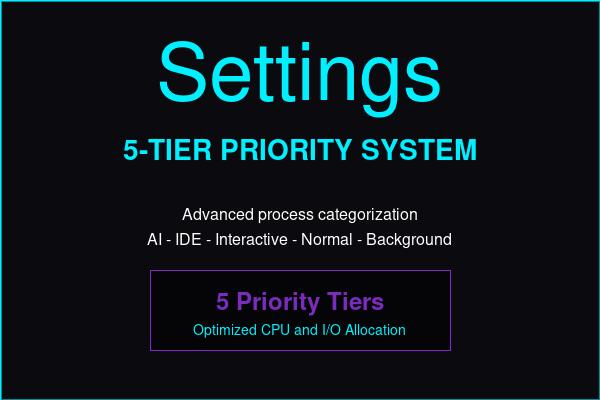
Multi-layered optimization system with advanced algorithms
Comprehensive guides for system deployment and optimization
Complete system documentation and user guides
System design and technical architecture details
Complete configuration reference and tuning guide
Process categorization and priority management
Frequently asked questions and troubleshooting
Version history and notable changes
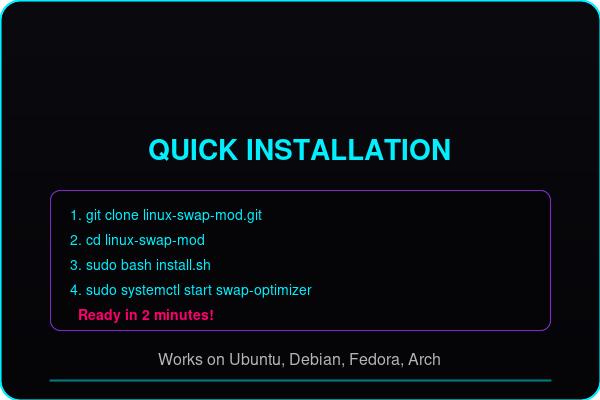
Quick installation and system initialization
git clone https://github.com/AutoBotSolutions/linux-swap-mod.git
cd linux-swap-mod && sudo bash install.sh
sudo systemctl enable swap-optimizer
sudo systemctl start swap-optimizer